
So after completing the development of tokenmitra.online , i decided to deploy it.
But doing this for the first time… I had to deal with a lot of issues.
One of the major ones was CORS, which took some time to figure out.
I was using JWT + cookie-based auth, and I had also bought a cheap domain from GoDaddy and started using it.
I added all the required A records, CNAME, and all that stuff.
But the real problem was something deeper… something I didn’t even realize at first.
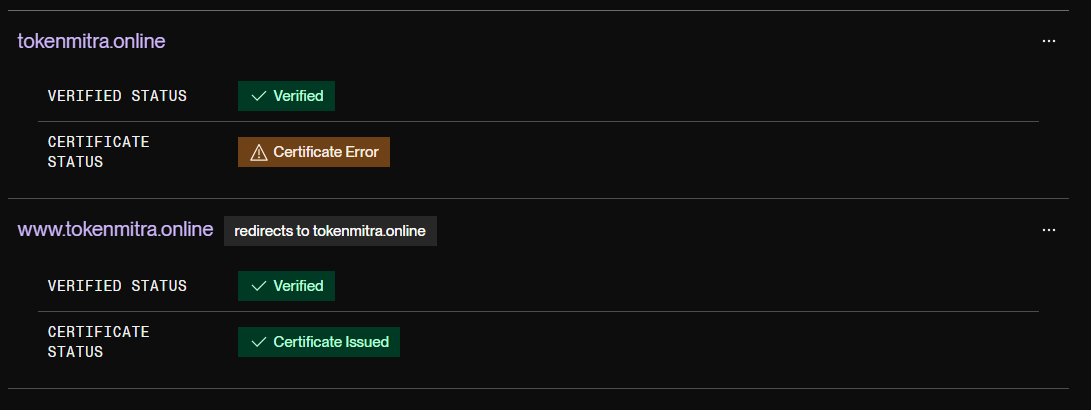
My frontend (hosted on Render along with the backend) started showing this error:
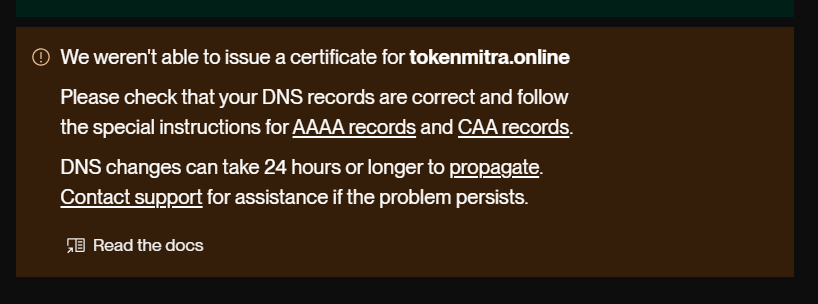
We weren't able to issue a certificate
And that’s where the real debugging started… 😅
Honestly, I’m not some expert who understands all these concepts deeply.
But I kept trying different things… and kept failing 😅
At first i thought :
Maybe I messed up A record
Maybe DNS not propagated
Maybe Render is buggy
But after doing some digging, I realized the issue is something else… something I didn’t even understand.
So I did what every developer does 😅
I used LLMs to figure out what was actually going wrong.
The Actual Problem
I realised the issue was with GoDaddy DNS, not my code, not my deployment.
GoDaddy silently adds something called CAA records ( Certification Authority Authorization).
These records basically says :
Only specific companies can issue SSL certifcates for this domain.
Now the thing is :
Render uses something known as - Let's Encrypt
GoDaddy's default CAA does not always allow it .
So render tried → Got blocked → SSL failed 🥲
How i Debugged it
After showign this error multiple time , the first thought came to my mind was -
I'm doing nothing wrong.
Domain pointing correctly .
App working on default domain .
But only SSL failing
Now as someone who has no experience working with all these , i used LLM chatbots to find a solution. And then i get to know that -
Instead of fighting wiht GoDaddy DNS i can replace it with something better.
The Fix: Moving DNS to Cloudflare
Here is exactly what i did.
Step 1 : Created a Cloudflare Account
Go to Cloudflare.
Sign up ( i choose the free plan )
Step 2 : Add your Domain
Click "Add a site"
Enter your domain : tokenmitra.online
Choose Free plan
Now Cloudflare will automatically Scan your existing DNS & import A, CNAME etc.
Step 3 : Verify DNS Records
Double check these things :
A record → Points to your backend ( mine was pointing to render )
CNAME → Points to frontend ( i deployed my fronted in vercel this time)
Don't blindly trust import - verify everything.
Step 4 : Change Nameservers in GoDaddy
Go to GoDaddy
Open your domain settings
Find Nameservers
Replace :
With Cloudflare nameservers (example):
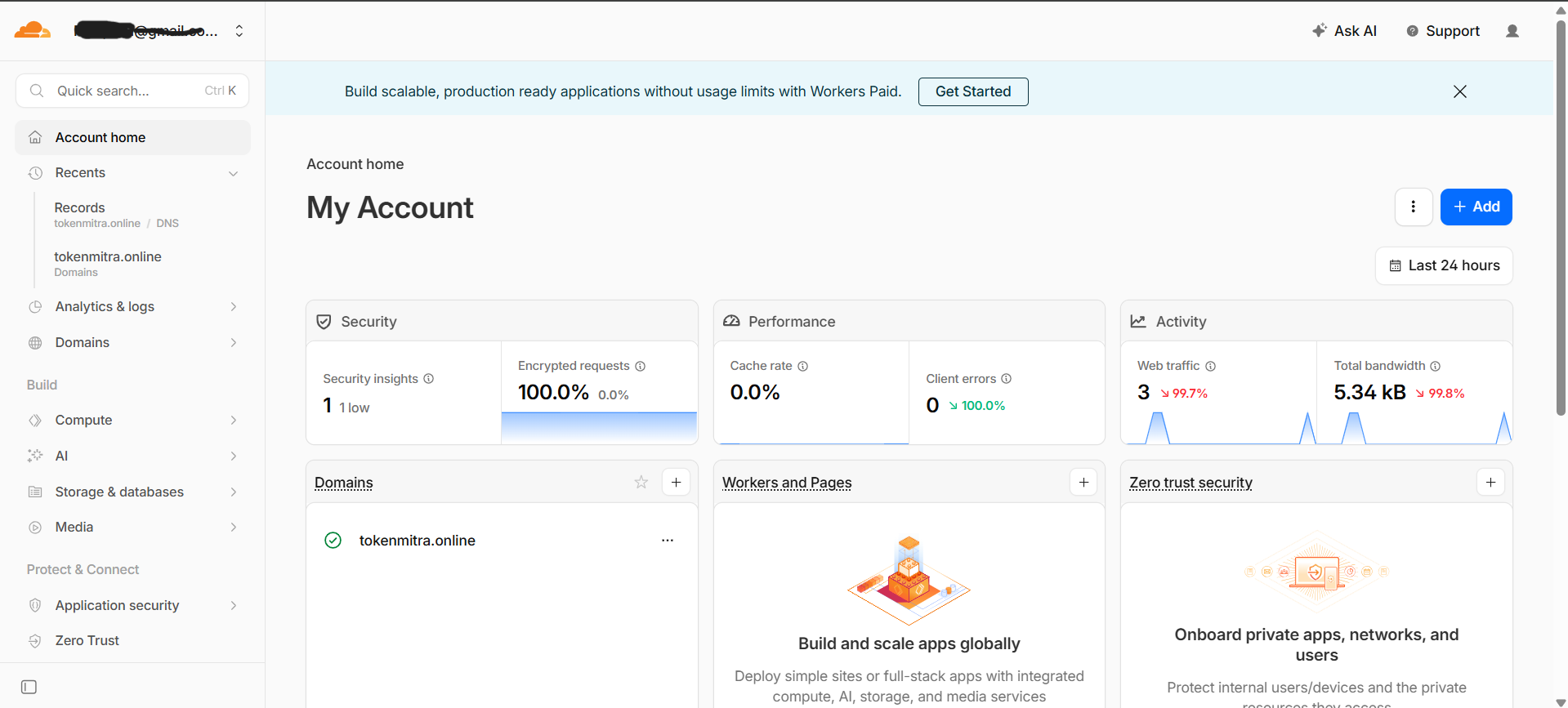
This is the main switch - now Cloudflare controls your DNS.
Step 5 : Wait for DNS Propagation
Now as you have almost done everything, but one thing to remember, still you have to wait and the time depends from 10-60 minutes.
In my case i just sleep and woke up with everything running.
Now Cloudflare is active & GoDaddy DNS is no longer being used.
Step 6 : Retry SSL Insurance
Now go back to Render dashboard & trigger redeploy or Wait.
This time you will find no errors.
Final Thoughts
This bug taught me someting important:
Sometimes the problem is not in your code,
It's in the infrastructure around it .